Redline Markup Drafting Services for Controlled Drawing Revisions
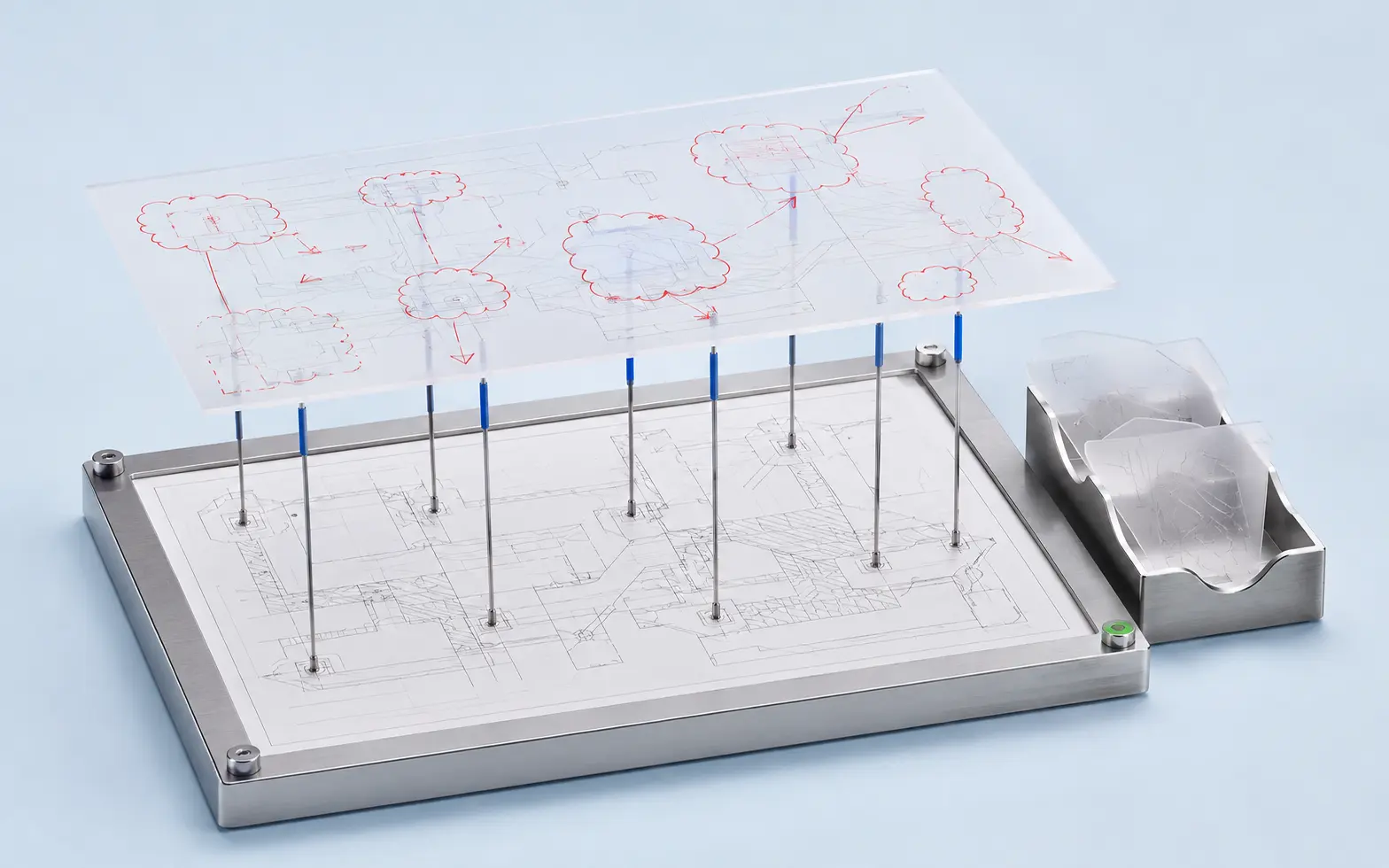
A redline may look like a few handwritten notes, clouds and arrows, but each mark represents an instruction that must reach the correct drawing element. Our redline markup drafting services convert approved changes into organised CAD revisions without allowing unclear annotations to become silent assumptions.
CAD Conversion Services India supports architects, engineers, contractors, manufacturers and facility teams with PDF markup to AutoCAD, field markup drafting and recurring drawing updates. The offshore workflow adds production capacity while keeping the client in control of design intent, technical approvals and revision release.
Before editing begins, we confirm which files are current, how changes should be identified and what the completed package must contain. This creates a qualified route from marked-up source to review-ready drawing.
✓ AI Powered✓ Free Pilot Batch✓ NDA Protected✓ 99.5% Quality
1500+Completed Projects
82%Returning Clients
10+Years Experience
45+Countries Served
35+Professionals Team
Project Fit at a Glance
Confirm these essentials before production begins.
Inputs
PDFs, scans, raster images, legacy CAD and marked-up drawings
Outputs & deliverables
Editable DWG or DXF files, controlled layers and agreed drawing sets
Software
AutoCAD and approved conversion and checking tools
Service intent
Focused production support for Redline Markup Drafting Services, with scope, source authority and review responsibility agreed before work begins.
IndustriesArchitectureConstructionManufacturingEngineeringReal EstateCountries ServedUSACanadaUKAustraliaUAEEuropean Nations45+ Countries
IndustriesArchitectureConstructionManufacturingEngineeringReal EstateCountries ServedUSACanadaUKAustraliaUAEEuropean Nations45+ Countries
Every Markup Needs an Unambiguous Destination
The most difficult part of redline drafting is often not drawing the change. It is determining exactly where the instruction applies, whether related views must also be updated and how the revision should be recorded.
Our redline markup drafting solution can work with:
Handwritten comments on printed drawings
Digitally annotated PDF files
Revision clouds and numbered notes
Site photographs with location references
Engineer-issued sketches and change instructions
Contractor and subcontractor field notes
Fabrication comments on mechanical drawings
Architect-issued design development markups
Existing DWG files with annotated review copies
For redline drawings to CAD, we link each source markup to the relevant drawing, sheet, view or detail. If a note could affect several locations, it is raised for clarification rather than applied selectively without approval.
Redline Markup Drafting Services Across Project Stages
Design and Engineering Revisions
Engineering change drafting may involve dimensions, notes, part details, symbols, schedules or related views. Our team incorporates the approved instruction while retaining the client’s established revision and drawing standards.
Construction and Site Changes
Construction redline conversion can capture approved field changes for later record-document preparation. Source legibility and the authority of each markup are confirmed before production.
Review Comment Incorporation
Our markup incorporation services support coordinated responses to architect, engineer, contractor or client comments. Comments can be tracked by sheet, status and submission package.
As-Marked Drawing Updates
As-marked drawing updates are useful when drawings must reflect approved information from inspections, installation changes or equipment replacement. They do not constitute independent verification of site conditions.
Ongoing Revision Capacity
AutoCAD revision services and design revision support can be arranged for organisations receiving regular batches of changes. A stable instruction and file-control process helps prevent each new request from becoming a separate setup exercise.
The Difference Between a Clear Change and a Drafting Query
Some instructions can be incorporated directly: replace a note, adjust a labelled dimension or revise a confirmed equipment reference. Others require a client decision.
We normally raise a query when:
A handwritten value is illegible
Two markups conflict
The revised dimension does not match the shown geometry
The source CAD file differs from the marked-up PDF
A note refers to a missing detail or sheet
A change appears to affect other views not marked by the client
The required symbol, layer or annotation standard is unknown
The markup requests a design choice rather than a drafting action
This distinction allows an experienced checker to protect drawing consistency without exceeding the assigned production role. It also gives the client a visible list of decisions instead of hidden interpretation.
From Annotated Source to Review-Ready Revision
Establish the Drawing Baseline
We compare the marked-up source with the supplied CAD files, sheet register and revision information. Superseded or mismatched files are reported before edits begin.
Register the Changes
Markups are grouped by drawing and status. Where volume or complexity justifies it, a change register is created so open queries remain traceable.
Apply Approved Instructions
The drafting team updates geometry, dimensions, notes, schedules, blocks or layouts according to the agreed scope. Revision cloud updates and identifiers follow the client’s convention.
Check Related Drawing Information
The reviewer compares the revised output with the source markup and examines directly related views or references included in the checking scope.
Issue the Revision Package
Files are delivered with the agreed DWG and PDF outputs, change register and outstanding-query list. Superseded working files remain separated from approved deliverables.
This controlled sequence is one reason clients assign externally redline markup drafting when internal professionals need to concentrate on technical decisions rather than repetitive drawing edits. The offshore delivery approach remains tied to the same change register and approval path used by the client.
AI Assistance for Markup Sorting, Not Design Interpretation
AI-powered assistance may help classify large markup batches, read typed annotations, compare revision text, extract sheet references or group similar comments. These uses can reduce repetitive preparation time and help the team locate items that require closer review.
AI does not decide what an unclear arrow means, calculate a missing value or approve an engineering change. A human drafter applies the instruction and an experienced reviewer checks the agreed output. The solution therefore uses automation for organisation while keeping technical control with people.
When to Outsource Redline Markup Drafting
Project teams frequently receive changes in uneven waves. A small internal group may handle ordinary revisions but need additional capacity after a site review, design milestone, client comment cycle or fabrication release.
Our redline markup drafting outsourcing services can assist with:
Large batches of marked-up PDFs
Recurring record drawing updates
Drawing backlogs after site inspections
Multi-sheet engineering change packages
Short submission windows
Standardised updates across similar drawings
Clients using offshore redline markup drafting services still approve the change source and final technical content. Our role is to provide dependable drafting capacity, documented queries and qualified production control.
Teams can also assign externally defined revision packages when they need short-term capacity supported by experienced drafting oversight.
Deliverables Prepared for Client Review
Depending on the scope, deliverables may include:
Revised AutoCAD DWG files
PDF review or issue drawings
Incorporated notes, dimensions and geometry changes
Updated revision clouds and identifiers
Change or comment register
Open-query schedule
Source-to-output comparison package
Updated drawing index
Record drawing update package
We can also provide outsourced redline markup drafting support through scheduled or demand-based submissions when the client has continuing revision requirements.
Redline Markup Drafting Services Project Case Studies
Converting Site Markups into a Record Drawing Package
Project
Distribution Facility Field Revision Update
Volume
286 architectural and building-services sheets
Problem
A United States contractor had handwritten field notes, annotated PDFs and photographs collected by several supervisors. Drawing references and markup styles were inconsistent.
Solution
The information was organised by building zone and sheet. Our team incorporated confirmed changes, maintained a separate query register for unclear notes and produced review PDFs beside the revised DWG files.
Outcome
The contractor received one consolidated record-drawing package for internal validation instead of several disconnected collections of site comments.
Industry
Logistics Construction
Country
United States
Applying Engineering Changes to Mechanical Drawings
Project
Process Equipment Drawing Revision
Volume
94 assembly, fabrication and component drawings
Problem
A United Kingdom equipment company needed approved engineering changes applied before a manufacturing-documentation release. Several comments affected dimensions, bills of materials and related detail views.
Solution
We mapped each instruction to the applicable drawing, completed the engineering change drafting and returned conflicts through a numbered technical-query schedule. Updated views were checked against the issued change list.
Outcome
The client received an organised revision package ready for its engineer’s final release review.
Industry
Process Equipment Manufacturing
Country
United Kingdom
Recurring Drawing Updates for Building Operations
Project
Monthly Facility Drawing Revision Support
Volume
Approximately 20–35 drawings per month
Problem
A Canadian property operator regularly received maintenance, tenancy and equipment-change markups but did not want its facility managers spending time editing CAD files.
Solution
A recurring workflow was established for file intake, markup registration, clarification and record drawing updates. Each monthly package retained the operator’s naming and revision structure.
Outcome
The property team gained a consistent update cycle and a clearer view of open drawing questions across its managed sites.
Industry
Commercial Property Management
Country
Canada
Redline Markup Drafting Services Client Feedback
“
The team brought several different markup sources into one controlled package. The query register made our final review much easier.
Aaron M., Construction Documentation Manager, United States
“
Changes were applied carefully across the related mechanical views. We appreciated that conflicting notes were returned for a decision instead of being guessed.
Charlotte W., Engineering Documentation Lead, United Kingdom
“
Our facility drawings now follow a dependable monthly update process. The work is organised, and the communication is practical.
Émilie G., Facilities Information Coordinator, Canada
Questions About Redline Markup Drafting Services
Can you work from handwritten or poor-quality redlines?+
We can review them, but production depends on legibility and adequate drawing references. Unreadable or conflicting instructions are placed in a query list rather than interpreted without approval.
Do you independently verify field changes?+
No. Field markup drafting is based on client-issued information. Site validation and approval of actual installed conditions remain with the client and its authorised professionals.
Can you follow our revision cloud and drawing-status standards?+
Yes. We can apply client-provided clouding, delta, revision-table, file-naming and issue-status conventions. A sample sheet can be completed before a larger package.
Do you provide professional redline markup drafting services for recurring work?+
Yes. qualified redline markup drafting services can be arranged for regular work packages with agreed priorities, response procedures and delivery formats.
Turn Approved Markups into a Controlled Drawing Package
Send a representative marked-up drawing, its corresponding CAD file and your revision requirements. We will identify any setup questions and propose an appropriate production workflow.